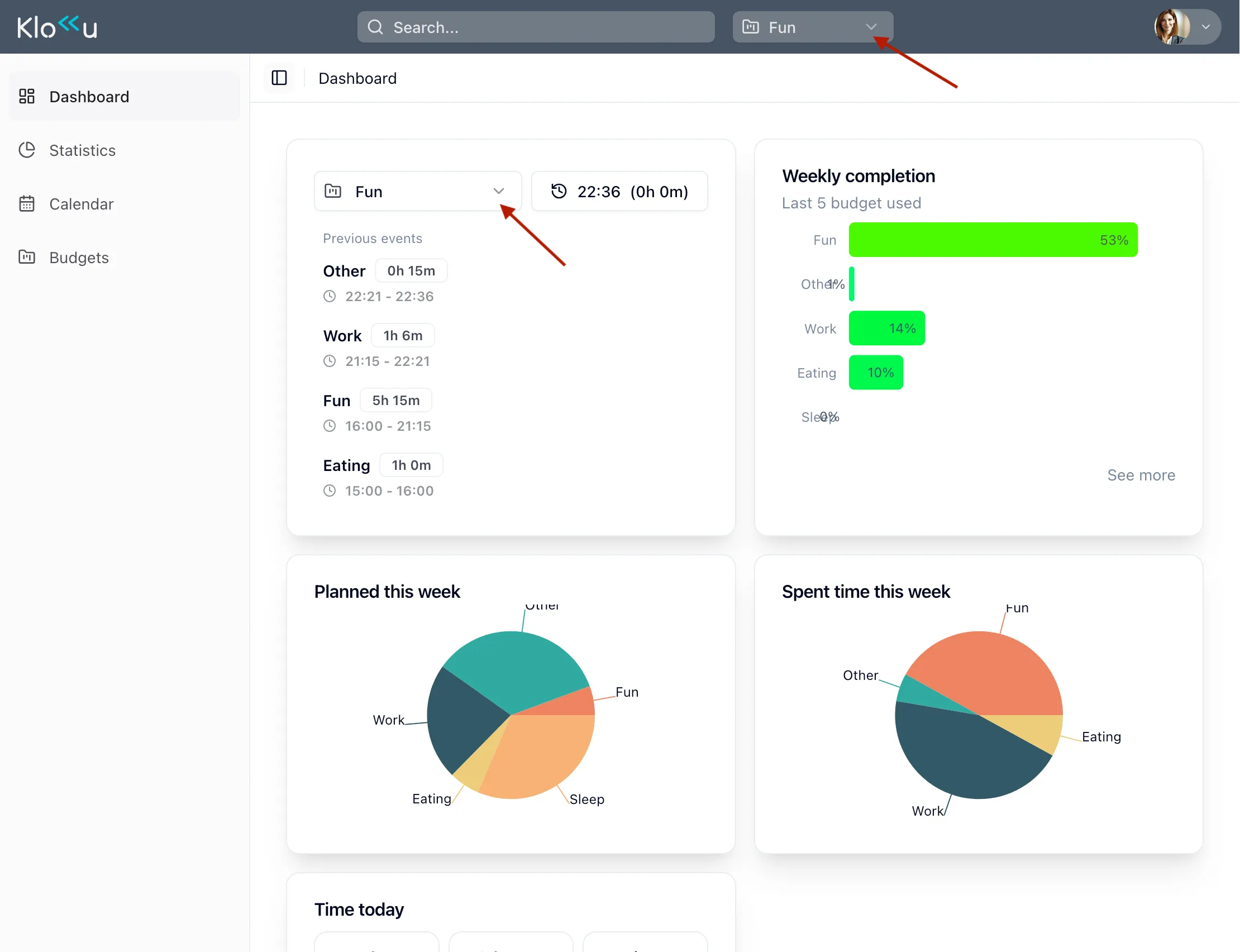

First steps
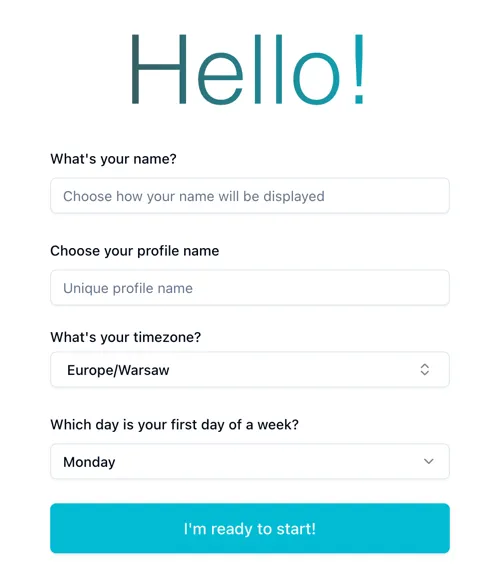
Create a user profile
Section titled “Create a user profile”The first thing you need to do is create a user profile.
Klokku requires some basic information about you to function properly.
Define budget plan
Section titled “Define budget plan”A budget plan defines how much time you want to allocate to a specific activity, group of activities, or project. For each budget item, you need to specify how much time you plan to dedicate to it every week. Common examples of budget items include:
- Sleep
- Work
- Study
- Personal
- Family
- Sport
- Other (more on that later)
Your total of 168 hours per week should be divided among all your budget items.
There is one special — the other budget item. You can rename it if you wish. This item is used to track any time not covered by your other budget items. It’s essential because, for most people, it’s unrealistic to plan for every hour of the week.
When you sign in to Klokku for the first time, you can start with a setup wizard like this:
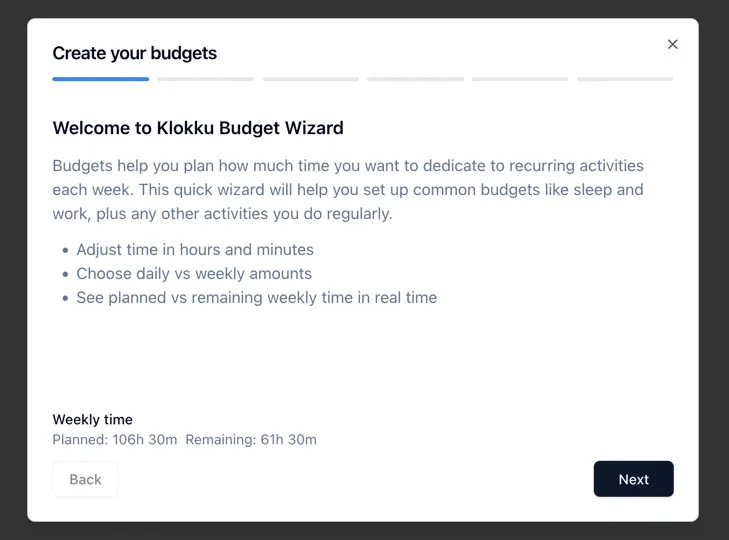
This wizard will guide you through the process of defining your budget plan.
Choose the current budget plan item
Section titled “Choose the current budget plan item”Now it’s time to choose your current budget item. Whenever you start a new activity, select the plan item that best matches what you’re doing. This provides Klokku with the data it needs to generate insights, helping you understand where your time goes and making it easier to plan ahead.
There are two ways to choose your current item:
- The always-visible dropdown on the top bar
- Current plan item card on the dashboard