

Automate (Android)
This guide provides examples of automating tasks on Android devices using Automate.
Enable sleep budget item when the phone is charging for 5 minutes
Section titled “Enable sleep budget item when the phone is charging for 5 minutes”This example is useful if you connect your phone to a charger before you go to sleep.
It uses Incoming Webhooks in Klokku to change the budget item.
- Go to the Klokku budget plan page and enable the webhook for the “Sleep” budget item.
More details in Integrations. - Copy the webhook URL.
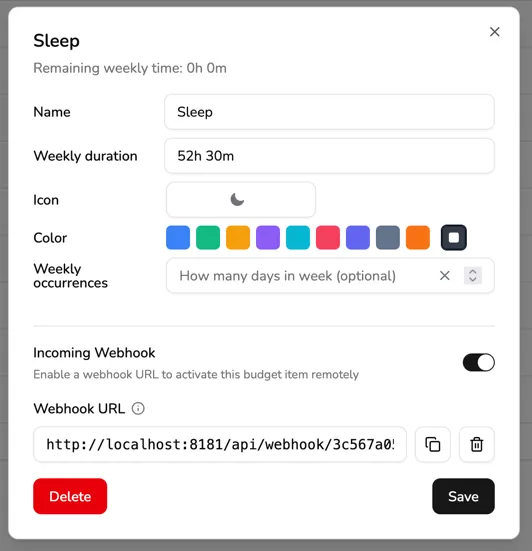
- Open Automate and import the workflow.
- Open the workflow in edit mode.
- Configure the workflow by editing these variables:
webhookUrl: Paste the URL from step 2.sleepTimeAfter: The time after which charging the mobile will trigger the flow (set to 9 PM by default:21 * 60 * 60).sleepTimeBefore: The time before which charging the mobile will trigger the flow (set to 5 AM by default:5 * 60 * 60).
- Exit edit mode.
- Start the workflow.